AI Pet Photo Generator — Create New Images From One Photo
Upload a photo of your dog, cat or other pet, pick a style or describe the scene you want, and generate a new AI pet photo in your browser. It works like a free AI image generator built for pets.
Free to try. A sharp, well-lit photo gives the best result.
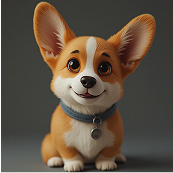
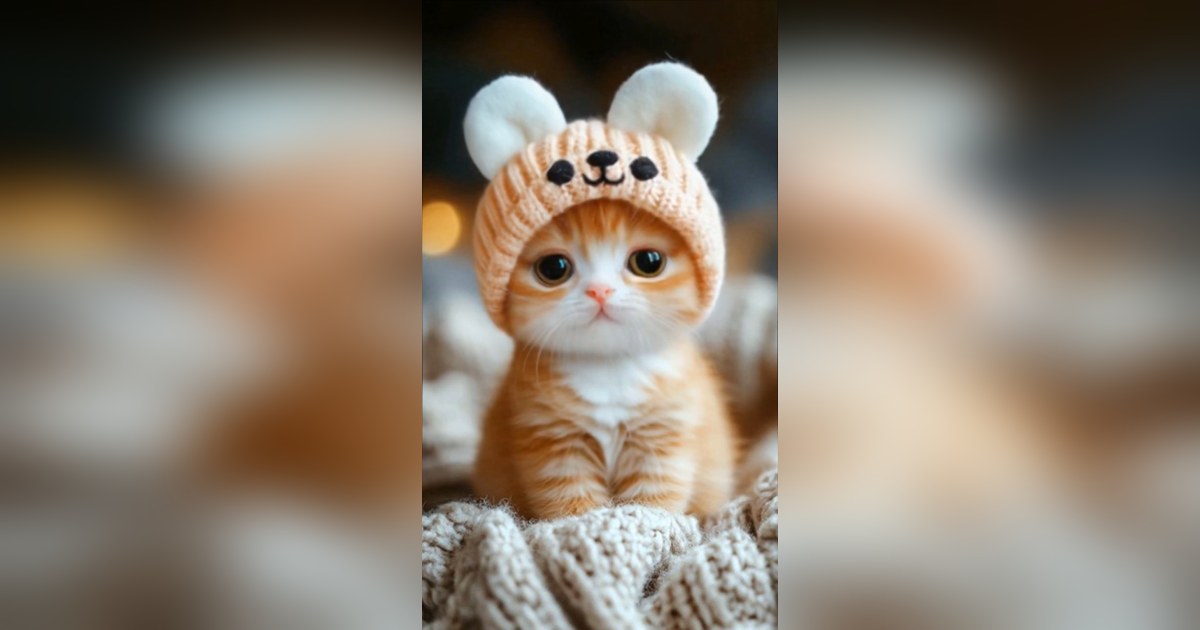
What an AI pet photo generator can do
An AI pet photo generator takes the pet you already have and reimagines it. Instead of only editing the photo, it creates a new image that keeps your pet's identity while changing the setting, lighting, outfit or art style. You can turn an ordinary phone snapshot into a studio portrait, a seasonal scene, a funny costume or a painterly artwork.
Because it works from one uploaded photo, you do not need a photoshoot, special equipment or design skills. Describe what you want in plain words, or start from a preset, and the tool produces an image you can download and share.
How to generate an AI pet photo
- Upload a photo. Choose a sharp image where your pet's face and markings are easy to see.
- Choose a style or write a prompt. Pick a preset such as a studio portrait, or describe the setting, colours and mood yourself.
- Generate and download. Review the result, try another style if you like, and download the image.
Popular styles and prompts
Studio portrait
A clean backdrop, soft lighting and a calm pose. Good for a framed print or a profile picture.
Royal or historical
Velvet, a cape and a palace setting turn a pet into a tiny monarch. A reliable crowd-pleaser.
Seasonal and festive
Autumn leaves, a winter scene or a birthday backdrop. Useful for greetings and cards.
Illustrated and painterly
Watercolour, comic or painterly styles give a pet photo a handmade feel.
A specific prompt beats a vague one. "A warm studio portrait of my dog wearing a blue bow tie, soft light" gives the tool more to work with than "make it better". See AI pet portrait ideas for more prompt examples.
Where people use AI pet photos
- Profile pictures and avatars for social accounts.
- Greeting cards and personalised gifts.
- Wall art and framed prints.
- Pet-business branding and playful mascots.
- A creative keepsake of a beloved pet.
Formats and limitations
- Input: one JPG or PNG pet photo.
- Output: a generated image you can download.
- One pet per photo gives the most predictable result.
- Results are creative interpretations, not exact copies of the original.
- Very dark, blurry or crowded photos may need a better source image.
AI pet photo FAQ
What is an AI pet photo generator?
It is an online tool that uses an uploaded pet photo and a text description or style preset to create a new image of your pet in a different setting, outfit or visual style.
Is the AI pet photo generator free?
PetTalk AI is free to try in a browser during launch. You can test the AI photo tool without installing software or entering payment details.
What kind of photo should I upload?
Use a sharp, well-lit photo where your pet's face and markings are clearly visible. A close-up or head-and-shoulders portrait keeps the most detail.
Can I describe my own style?
Yes. Choose a preset style or type a description such as a setting, colours, clothing and mood. Specific prompts usually give more useful results.
What can I do with the generated image?
You can download the image and use it as a profile picture, a greeting, wall art or a keepsake.
Related tools
Reimagine your pet
Upload one photo, choose a style and generate a new AI pet image in the Studio.
Generate an AI pet photo — free