AI Pet Portrait Generator From a Photo
Turn a favourite dog, cat or other pet photo into a portrait with a new setting, outfit or visual style. The difference between a forgettable result and one worth framing usually comes down to the source photo and the words you use.
By PetTalk AI · Published September 22, 2026 · Updated September 22, 2026
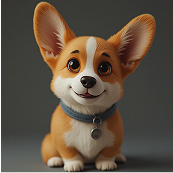
Begin with a photo that keeps the details
A portrait lives or dies on whether the pet still looks like your pet. Choose a well-lit image where the face and fur pattern are easy to see. A close-up or head-and-shoulders shot preserves the markings, eye colour and expression that make the animal recognisable. A tiny pet in a wide landscape gives the generator much less to work with.
- Sharp focus, especially around the eyes.
- Even light without harsh shadows.
- One pet in the frame for the cleanest result.
- A natural expression — the portrait will inherit the mood.
Describe the portrait you actually want
Vague requests produce vague results. Include the setting, the colours, any clothing or accessories, and the mood. "A warm studio portrait of my dog wearing a blue bow tie, soft golden light, dark background" tells the tool far more than "make it better". If you are unsure where to start, a preset style is a useful shortcut before you write your own prompt.
A simple prompt formula
Subject + setting + clothing or props + lighting + mood. For example: "my cat, a cosy bookshop, a knitted scarf, warm lamp light, calm and whimsical".
Try more than one style
Portraits are quick to iterate, so generate a few versions and compare. A studio look is the safest for a framed print; a royal or historical style works well as a gift; a painterly or illustrated style gives a photo a handmade feel. Keep the pet's identity as the anchor and avoid piling on details you do not actually want to see in the final image.
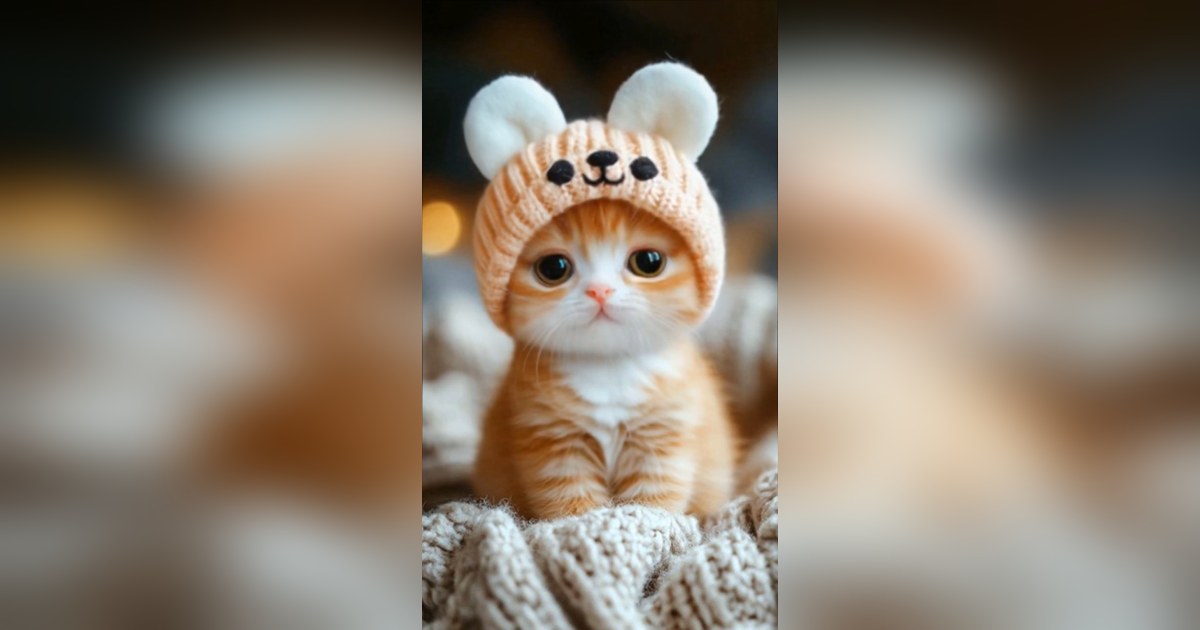
Review, download and use the result
Check the eyes, the shape of the face and the overall composition before you commit. When you are happy, download the image and use it as a profile picture, a greeting, a gift or wall art. If you want movement as well as a still image, you can send the portrait to the animation tool and create a short video from it.
Start with the AI pet portrait generator, or explore the wider AI pet photo generator for scenes beyond a traditional portrait.
Create an AI pet portrait — free
Related guides
- AI pet portrait ideas and example prompts
- How to animate a pet photo
- How to make a cat talk with AI
- Choosing the best photo for a talking pet video
Turn a photo into a portrait
Upload one photo, pick a style and generate an AI pet portrait in the Studio.
Open the Studio — free