How to Make a Pet Birthday Video People Will Love
A pet birthday video is a small gift that lands far bigger than a text message. You do not need video editing experience — one clear photo and a short spoken line are enough. This guide walks through planning the message, choosing the image, writing the script, and sharing the result.
By PetTalk AI · Published September 22, 2026 · Updated September 22, 2026
Start with the message, not the software
Before you touch a tool, decide what the video is actually saying and who it is for. A birthday video aimed at the pet's owner ("Happy birthday to Bella from all of us") is different from a joke video written in the pet's voice ("I demand extra treats for my birthday"). Pick one narrator and stay consistent — mixing the pet's voice with the owner's greetings halfway through makes the video feel muddled.
Write the goal in one sentence: "A warm birthday message to my sister from her dog." That sentence should guide every choice that follows.
Choose a photo that suits a birthday
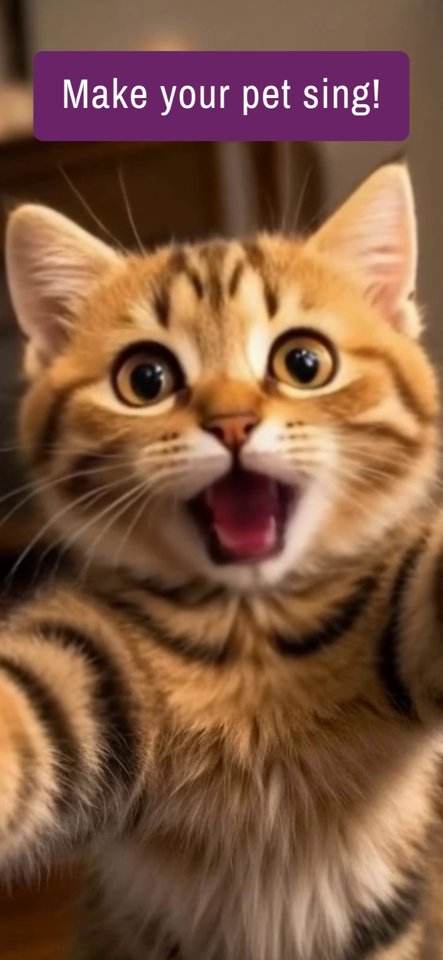
The best birthday photo shows the pet facing the camera with the face well lit and unobstructed. A photo where the pet looks alert and slightly happy reads naturally as a birthday greeting. If you have a picture with a party hat, a bandana or a festive background, even better — but do not force it. A bright, sharp headshot beats a dark party photo every time.
If the celebration is for the pet itself, a recent photo works best so the "age" matches how the pet actually looks.
Write a short script
Keep the spoken part to two or three sentences — roughly 8 to 12 seconds. Long speeches are hard to follow and give the animation more chances to look off. A simple structure works well:
- Greeting: "Happy birthday, Sam!"
- Personal line: "I still remember the day you brought me home."
- Warm close: "Have the best day. Love, Biscuit."
Read it aloud with a timer before recording. If it feels rushed, cut a sentence rather than speeding up.
Example scripts you can adapt
For a friend's dog: "Happy birthday, Max! You are officially the goodest boy. Save me a slice of the dog cake."
For a child: "Happy birthday, Lily! I have been waiting all day for a walk and a cuddle. Let's party."
For the pet's own birthday: "Today I turn four. I would like a new ball, a long nap and absolutely no bath."
Add the name and age
Names and numbers are what make the video feel custom. Say the name clearly at the start, because that is the moment people smile. The age can be spoken ("I'm five today") or written onto the image before you upload it. Either way, double-check the number — a wrong age is the one mistake viewers always notice.
Combine it with a birthday song
Music sets the tone instantly. If you are recording your own voice, keep the song quiet in the background so the words stay clear. If the pet is "singing," a short cheerful tune behind the voice works well. Avoid loud tracks that drown out the greeting, and keep the total length under about 20 seconds so it is easy to replay and share.
Timing and sharing
Send the video on the morning of the birthday so it opens the day's messages. For a public post, a slightly earlier evening slot often gets more views. When sharing privately, a direct message feels more personal than a group post — and always ask before posting a video that features someone else's pet or a child.
Common mistakes to avoid
The three most frequent problems are a photo where the face is too small, a script that runs too long, and audio recorded in a noisy room. Fix all three and almost any result looks polished. If the animation still looks unnatural, try a brighter, closer photo rather than adding more effects.
Make yours with the pet video generator or explore talking pet videos first.
Related guides
- Making a talking dog video from a photo
- Choosing the best photo for a talking pet video
- Creating a talking cat video
- AI pet portrait ideas for gifts
Try it with your own pet
Upload one photo and make a talking pet video in the PetTalk AI Studio.
Open the Studio — free