How to Make Talking Animal Videos for TikTok (Frame, Hook, Post)
TikTok rewards a clip that makes sense in the first second and finishes before the viewer gets bored. Talking animal videos fit that format almost perfectly — if you shoot for the vertical screen and keep the joke tight.
By PetTalk AI · Published September 22, 2026 · Updated September 22, 2026
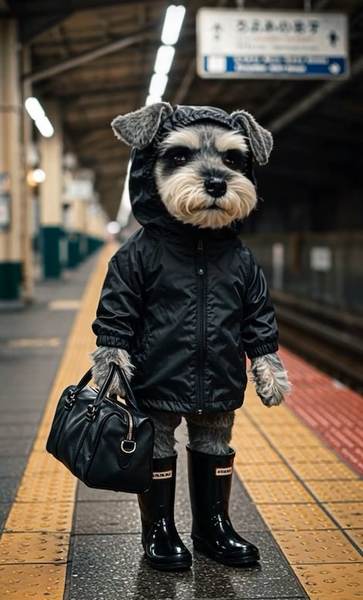
Start with the 9:16 frame, not the script
Everything on TikTok is watched on a tall screen with the caption, buttons, and username covering the edges. If your talking animal sits in the middle of a wide landscape photo, it will feel small. Choose a photo that is already portrait, or one where the head fills most of the frame. Keep the face in the central third so nothing important hides behind the interface.
Portrait posters and phone shots at 9:16 are ideal. A wide group photo of three pets will shrink into a thin strip and lose all impact.
The hook lives in the first one or two seconds
People decide whether to keep watching almost instantly. Do not save the punchline for the end. Put the animal on screen immediately and let the first spoken words be the funny or surprising part. A line like "I ate the plant and I feel no guilt" works as an opening; two seconds of silence before the mouth moves does not.
If your clip has a payoff, such as a reaction or a second animal, hint at it in the opening frame so viewers expect a reason to stay.
Keep clips between five and fifteen seconds
The best talking animal clips are short. One idea, one line, done. Anything past fifteen seconds starts to feel like it is asking for attention rather than earning it. If you have a genuinely good longer bit, cut it into two clips instead of one long one.
Short also means your voice recording stays clean. A sentence or two is easy to deliver with energy; a paragraph usually drags.
Add captions and on-screen text
Many viewers watch with sound off, so the joke has to survive on text alone. Add a caption that matches the spoken line, plus a short title near the top if it helps set up the bit. Keep the text inside the safe area, away from the very top and bottom edges, and leave it on screen long enough to read.
Burned-in captions also help when the platform's own auto-captions mangle a unusual pet name.
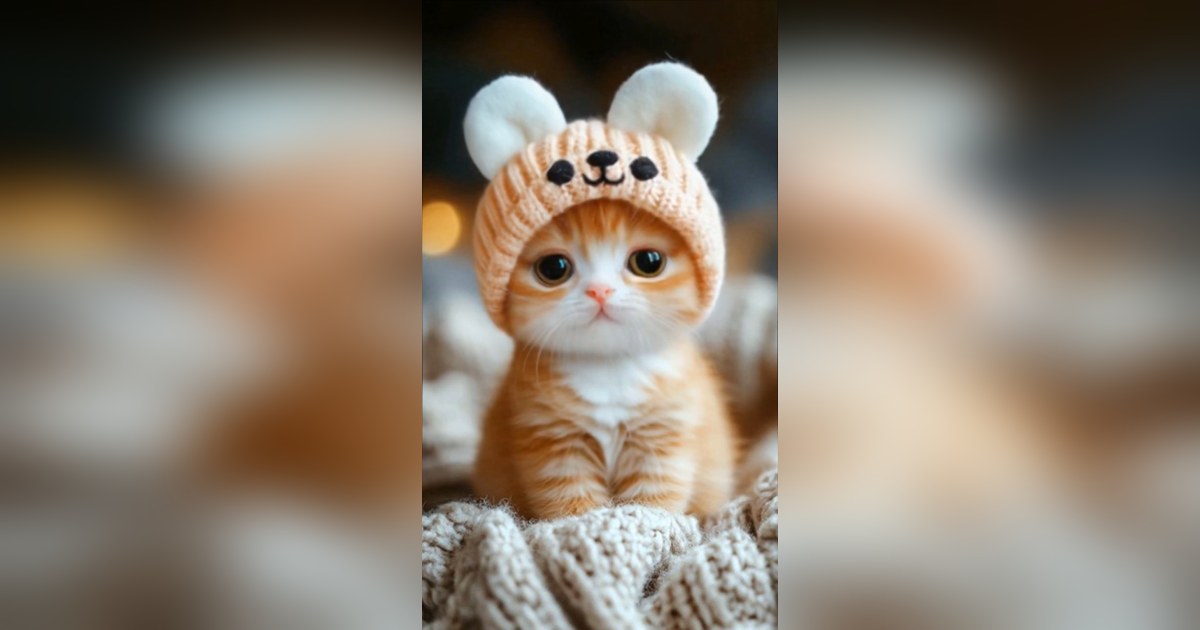
Use sounds intentionally
You have two choices that both work. The first is a custom voice recording, which lets the animal say exactly your line. The second is a trending sound, which can give a clip extra momentum if the audio genuinely fits. Avoid forcing a popular sound onto a line that does not match it — the mismatch is obvious and costs you the hook.
Post with a rhythm instead of in bursts
A steady cadence beats a dump of ten clips in one evening. Posting a few times a week gives the algorithm fresh attempts and gives you feedback you can read. Watch completion rate and rewatches rather than likes alone; a clip people watch twice is usually doing better than one with more likes but a quick swipe-away.
Mistakes that quietly kill reach
- Uploading downloaded clips with a visible watermark. Export clean video before posting.
- Crowding the frame with several animals. One clear subject reads faster.
- Long, slow intros. The hook has to arrive immediately.
- Reusing the exact same clip. Vary the photo, the line, or the format.
Stay honest about what the animal is saying
These clips are entertainment, not animal communication. Do not claim a talking pet video proves anything about your animal's health, mood, or behaviour, and do not present it as medical or training advice. If a real behavioural concern shows up, talk to a veterinarian or a qualified trainer rather than reading meaning into an animated photo.
Start from one strong portrait photo, then use the pet video generator to build the clip. For more subjects, the same approach works across talking animals.
Make a talking animal clip for TikTok
Related guides
- How to make a cat talk with AI, step by step
- Sharing talking pet videos on social media
- The best photo to start a talking pet video
- Animating a pet photo without any speech
Try it with your own pet
Upload one photo and make a talking pet video in the PetTalk AI Studio.
Open the Studio — free