How to Create a Talking Pet Video for Social Media
A talking pet video can be a five-second inside joke or a clip that travels across a platform. The difference is rarely the animation itself — it is the format, the first line and how you share it. Here is how to plan a talking pet video that fits the feed it is made for.
By PetTalk AI · Published September 22, 2026 · Updated September 22, 2026
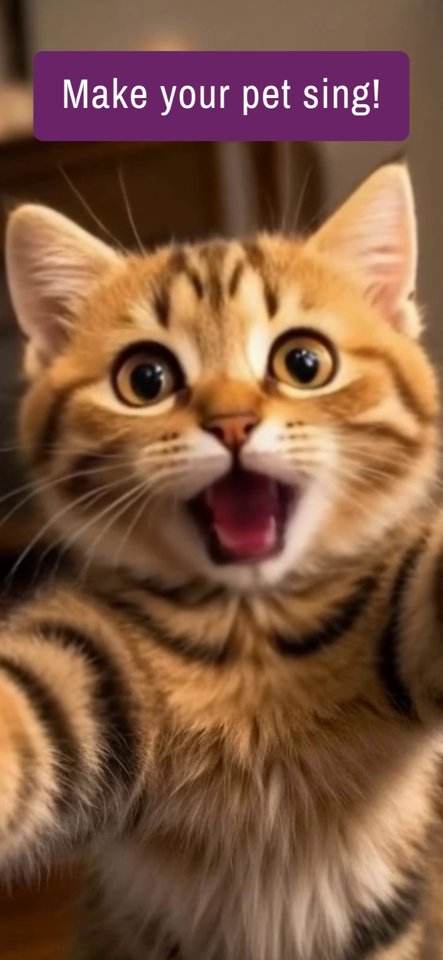
Pick the platform before you create
Each network rewards a different shape of video, and cropping after the fact almost always cuts off ears and paws. Decide where the clip is going first, then set the aspect ratio:
- Vertical (9:16) — short-form feeds such as TikTok, Reels and Shorts. This is the best default for a talking pet because the face fills the frame.
- Square (1:1) — feed posts that stay on a profile grid.
- Landscape (16:9) — YouTube, embedded posts and any clip with a wide scene.
When in doubt, generate a vertical version. It can be letterboxed elsewhere, but a horizontal clip cannot easily be stretched to vertical without losing the pet.
Win the first two seconds
People decide in the first moment whether to keep watching, so the greeting cannot be a slow build-up. Put the funniest or most surprising line first and let the pet be visible immediately. A strong hook sounds like a confession, an opinion or a demand: "I have something to tell you about the couch." Weak openers like "Hi everyone, this is my dog" give viewers no reason to stay.
Write scripts that fit short video
Short-form scripts work best at two to three sentences. Give the pet a clear personality and a small conflict — a missing treat, an opinion about the mail carrier, a confession about the shoes. One joke per video is plenty. Say the punchline within the first half, then end cleanly rather than trailing off.
Five short script starters
- "Nobody knows this, but I run this house."
- "The hooman went to work again. Unacceptable."
- "Rating every snack I was given today."
- "I have a message for the delivery driver."
- "POV: you said the word 'walk'."
Captions, text and hashtags
Most short-form video is watched muted at first, so burn a short caption into the frame or add one in the editor. Keep it to a handful of words and place it where it does not cover the face. In the post description, write one line of context and a light call to action. Use three to five relevant hashtags rather than a wall of them — for example #talkingdog #petsoftiktok #dogsoftheinternet. Generic tags are fine; piling on twenty is not.
Posting times and messages
Evening and early-morning slots usually capture the most casual scrolling. Rather than chasing a perfect hour, post consistently and watch which of your clips gets shared — shared clips tell you far more than view counts alone. If the video is a private joke or a gift, send the file directly in a message instead of posting it publicly; a personal video in a chat feels thoughtful, while the same clip in a public feed can feel random to strangers.
Privacy and honesty
Only post videos of pets you own or have clear permission to use. Crop out house numbers, licence plates, children's faces and anything that identifies someone else's home. Be honest that the animation is AI-generated — present it as a fun effect, not as real footage of the animal talking. Avoid claims that a video shows real events, and never use a pet's "voice" to make health, safety or financial statements. Keep captions and hashtags accurate so people know they are watching a playful edit.
Common mistakes to fix
The usual problems are a wide shot where the face is tiny, a script longer than the format allows, noisy audio, and a caption that covers the eyes. Fix those four and the clip will look intentional. If the animation seems off, a brighter and closer source photo helps more than any filter.
Start with the talking pet video tool, or make a talking dog video or talking cat video.
Related guides
- Talking animal videos for TikTok
- Choosing the best photo for a talking pet video
- Making a talking cat video
- Turning a pet birthday message into a video
Try it with your own pet
Upload one photo and make a talking pet video in the PetTalk AI Studio.
Open the Studio — free